
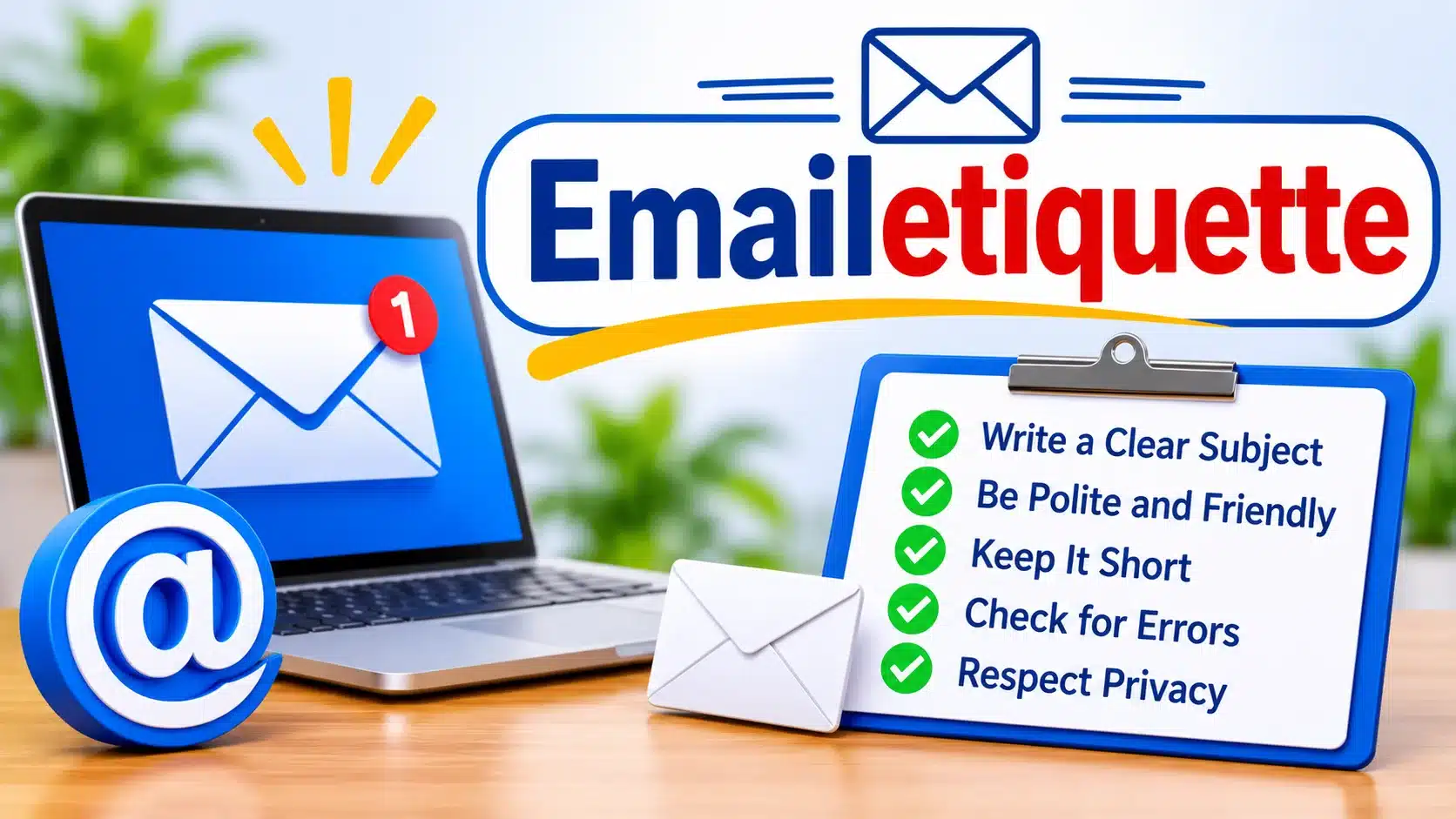
You send dozens of emails every week. Some get quick replies. Others sit unread for days. The gap often comes down to one thing: Emailetiquette. This guide shows you how to write clear, polite messages that get results. You will find simple rules, real examples, and honest answers to common questions.
Why Your Emails Deserve a Little Extra Care
Email still runs most workplaces. Many reports suggest a typical office worker gets around 120 emails a day. Your message has to fight for attention.
Good emailetiquette gives you an edge. It shows respect for your reader’s time, and it builds trust. People remember who writes clearly and kindly.
Think of an email as a quick handshake. A warm, tidy message makes a strong first impression. A messy one can hurt you, even when you mean well.
Open With a Subject Line and Greeting That Work
The top of your email sets the tone. Readers decide in seconds whether to open it. So make those first lines count.
Write Subject Lines That Get Opened
A good subject line tells the reader what the email is about. Keep it short, ideally under 50 characters, because phones cut off long ones. Add a clue about timing or action when you need it.
Compare two examples. “Question” tells the reader nothing. “Quick question about Friday’s budget meeting” paints a clear picture, so always choose the second kind.
Pick the Right Greeting
Match your greeting to the relationship. “Dear Ms. Lopez” fits a first note to a new client. “Hi Sam” works well for a teammate you know.
When you feel unsure, lean a little formal. You can always relax if the other person does first. Also, double-check the spelling of every name, because nothing stings like seeing your own name written wrong.
Write a Body That Gets Read
Most people skim emails. They hunt for the main point and move on. Your job is to make that easy.
Keep It Short and Simple
Lead with your main point in the first two lines. Then add only the details your reader needs. Use short paragraphs and leave white space between them.
Skip big words when small ones work. Say “use” instead of “utilize” and “help” instead of “assist.” Simple writing sounds friendly, and people understand it faster.
Make Your Request Crystal Clear
Tell the reader exactly what you want. Add a date if you have a deadline. “Could you send the report by Thursday at noon?” beats “Please send it soon.”
If you need several things, use a short list. Numbers or bullets help the eye. Your reader can then answer each point without confusion.
Set the Right Tone
Tone is tricky in writing because readers cannot hear your voice. A joke can land as sarcasm. A short reply can seem cold.
Add small touches of warmth. A line like “Hope your week is going well” costs you nothing. Read your message out loud before you send it, and fix anything that sounds harsh.
Know When to Be Formal and When to Relax
Not every email needs a suit and tie. A note to your boss or a customer calls for polite, careful words. A message to a close coworker can sound more like a chat.
Here is a simple, friendly example:
Subject: Request for Friday meeting notes
Hi Dana,
Could you share the notes from Friday’s meeting by Wednesday? I need them for my report.
Thanks so much,
Priya
This email works because it is short, polite, and specific. It names the task, the deadline, and the reason. Dana can reply in under a minute.
Watch your reader’s style, too. If a client writes in a formal voice, match it. If your teammate uses emojis and first names, you can loosen up a bit.
Master CC, Reply All, and Attachments
These small tools cause big headaches. Use them well, and your emailetiquette shines. Use them badly, and your inbox fills with angry replies.
Use CC and BCC With Purpose
Put people in the “To” line when they need to act. Use CC for people who only need to stay informed. Use BCC rarely, such as when you protect the addresses of a large group.
Never use BCC to sneak your boss into a conversation. That move often backfires when the secret comes out. Honesty keeps your reputation safe.
Think Twice Before Hitting Reply All
Ask yourself one question: does everyone on this thread need my answer? If not, reply only to the sender. A simple “Thanks!” sent to 80 people annoys 79 of them.
Reply-all storms are real. Large companies have seen one careless message trigger thousands of replies in a few hours. One extra second of thought can save your whole team from that mess.
Handle Attachments Like a Pro
Name your files clearly, such as “Smith_Invoice_May.pdf.” Compress big files, or share a link instead. Many email services block files over 20 or 25 megabytes.
Mention the attachment in your message. Then check that you actually added it. Everybody forgets once, and the follow-up “Oops, here it is” feels awkward.
Close With Class: Sign-Offs and Signatures
How you end an email matters as much as how you start. A kind closing leaves a good final feeling. It also tells the reader what comes next.
End with a short thank-you or a clear next step. “Thanks for your help” and “Talk soon” both work well. Then add a sign-off like “Best regards” or “Kind regards.”
Keep your signature clean. Include your name, job title, and one way to reach you. Skip the quotes, the giant logos, and the long legal notices when you can.
Avoid These Common Email Mistakes
Even careful writers slip up. The good news is that most mistakes are easy to fix. Let’s look at the ones people make most.
First, avoid writing in ALL CAPS. It feels like shouting. Second, go easy on exclamation points, since too many make you sound anxious.
Third, never send an email when you feel angry. Write the draft, then wait an hour. Your calmer self will thank you.
Fourth, proofread every message. A typo in a job application can cost you the interview. Spellcheck catches most errors, but it misses mix-ups like “form” and “from,” so read slowly or ask a friend to look.
Finally, remember that email lasts forever. Others can forward, save, or print your words. Strong emailetiquette means you never write anything you would hate to see on a screen in a meeting.
Respect Time: Replies, Follow-Ups, and Out-of-Office Notes
Speed matters, but you do not need to answer in seconds. Many workplaces expect a reply within one business day. If you need more time, send a quick note that says when you will respond.
When you follow up, wait a few days first. Then write something friendly, such as “Just checking in on my earlier note.” Avoid guilt-trip lines like “As I already said.”
Set an out-of-office message when you travel. Say when you will return and who can help in the meantime. This small step shows you care about the people who rely on you.
Also think about when you send. Late-night emails can pressure your reader to reply right away. If you work odd hours, schedule your message for the morning. Good emailetiquette includes respect for other people’s time off.
Frequently Asked Questions
What is emailetiquette and why does it matter?
Emailetiquette means the polite, clear habits you use when you write and send emails. It matters because it builds trust and helps people respond faster.
How long should a professional email be?
Aim for 50 to 125 words when you can. Short emails get read, and long ones often get skipped.
Is it rude to send an email without a greeting?
It often feels cold, especially to someone you do not know well. A quick “Hi” or “Dear” with the person’s name fixes that in two seconds.
How soon should I reply to a work email?
Most workplaces expect an answer within one business day. If you need longer, send a short note that says when you will reply.
How can I improve my emailetiquette quickly?
Read each message out loud before you send it, and check the subject line, tone, and attachments. Small checks like these catch most mistakes.
Final Thoughts
You do not need fancy skills to write great emails. You need a clear subject line, a friendly greeting, and a short body with one main point. Add a polite sign-off, and you have a message people enjoy. Remember the key rules. Think before you use reply all. Check your tone, your attachments, and your spelling. Give people time to answer, and follow up with kindness.
Practice these habits for a week, and you will notice a change. Replies come faster, and misunderstandings drop. Strong emailetiquette makes your work life easier, one message at a time.